
Project image descriptions
Find image sizes and guidelines for your project page, products, updates, and creator profile. These guidelines apply across product categories.
You can download the example images to use as templates.
In this article
- Project thumbnail
- Cover image
- Social media image
- Project gallery
- Product galleries: rewards and add-ons
- Update image
- Creator avatar
- Creator home page cover slideshow
- Launch image
Project thumbnail
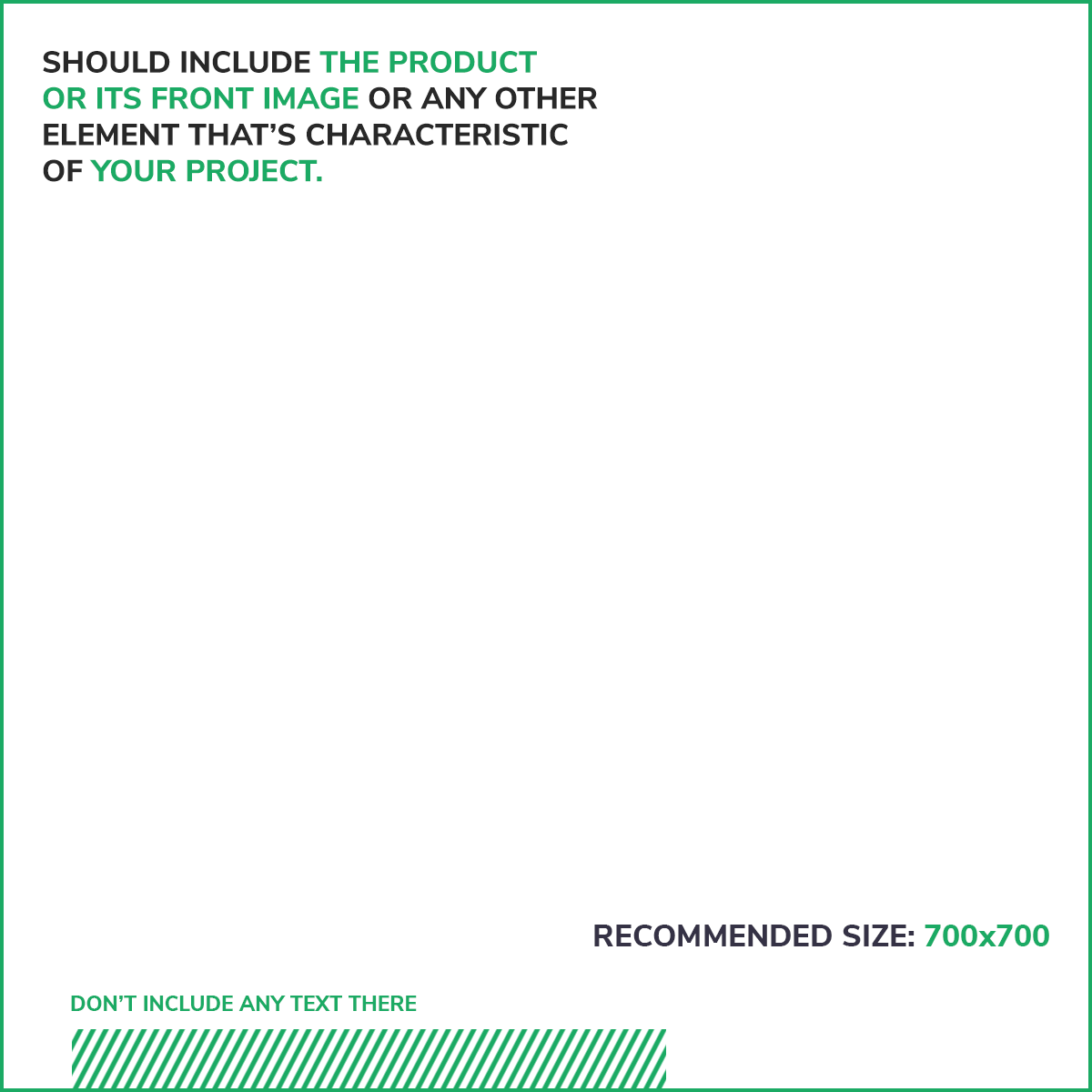
Your project thumbnail appears in project lists, such as the Explore projects page.
The lines at the bottom of the template mark where follower and backer counts overlap the image. Keep this area clear of details you want people to see.
Recommended size: 700 × 700 px
Aspect ratio: 1:1
Cover image
Your cover image appears as the background at the top of your project page. Use an image without text. The platform automatically applies a darkening filter.
Note: The cover image is optional, but we recommend adding one. Without it, your project page shows a plain dark background.
Minimum size: 1743 × 498 px
Aspect ratio: 21:6

Social media image
Your social media image appears when someone shares your project on social media. If you don’t add one, the platform uses your project thumbnail instead.
Minimum size: 1280 × 720 px
Aspect ratio: 16:9
Project gallery
Your project gallery supports images and video thumbnails in standard image formats.
You can add custom thumbnails for Twitch and Vimeo videos. YouTube videos don’t support custom thumbnails because these interfere with view counts.
Minimum size: 1280 × 720 px
Aspect ratio: 16:9
Product galleries: rewards and add-ons
Use standard image formats for images in your reward and add-on galleries.
Recommended size: 700 × 700 px
Aspect ratio: 1:1

Update image
Your update image appears on the main updates page alongside the update’s title and summary. Notification emails also include this image.
The platform fits the image into a square.
Recommended size: 700 × 700 px
Aspect ratio: 1:1

Creator avatar
Use a standard image format for your creator avatar.
Recommended size: 700 × 700 px
Aspect ratio: 1:1

Creator home page cover slideshow
Use standard image formats for images in your creator home page cover slideshow.
Minimum size: 1743 × 498 px
Aspect ratio: 21:6

Launch image
Your launch image appears in the email that notifies followers when your campaign launches.
Use an image that showcases your product or the main items in your pledge and encourages followers to visit your project.
You can also include a short call to action, such as:
- Live now
- Live on Gamefound
- Back now
- Pledge now
Use a standard image format.
Recommended size: 700 × 700 px
Aspect ratio: 1:1
